A debit card that you control from your own phone.
Choose a virtual card for shopping online or a physical card we post to your door, on Visa, Mastercard, American Express and Discover. You can freeze it, set its daily limit and see its details yourself in online banking.
Already bank with us? Sign in and apply from the Cards page in a couple of minutes.

There are four card levels, so you can choose the one that suits you.
Every level works the same way in online banking. When you apply, we show you the issue fee for the level you picked before anything is held.
Standard
Everyday spending online and in stores.
Gold
A higher-profile card for regular travel and bookings.
Platinum
For larger purchases and frequent travellers.
Black
Our premium card, finished in matte black.
Getting your card takes three steps.
Choose your card
In online banking, pick a virtual or physical card, the network, the level and the name to print on it. For a physical card, tell us where to post it.
We review it
The issue fee for your level is held in your account while our team reviews the application. If we decline it, the held money goes straight back.
Start using it
Once approved, your card appears in online banking. Physical cards are posted to the address you gave, and you can see when yours ships.
You can freeze, limit or block your card yourself, at any hour.
Each of these takes a moment in online banking, and you never have to wait for someone to answer the phone.
-
Freeze and unfreezeNothing can be charged to a frozen card until you switch it back on.
-
Report a lost cardThe card is blocked for good, and any money on it can still be moved back to your account.
-
Set a daily spending limitPick the most the card can spend in a day, and change it whenever you like.
-
See your card detailsThe full card number and security code stay hidden until you choose to show them.
-
A record of every purchaseEach card payment appears in online banking with the merchant name and amount.
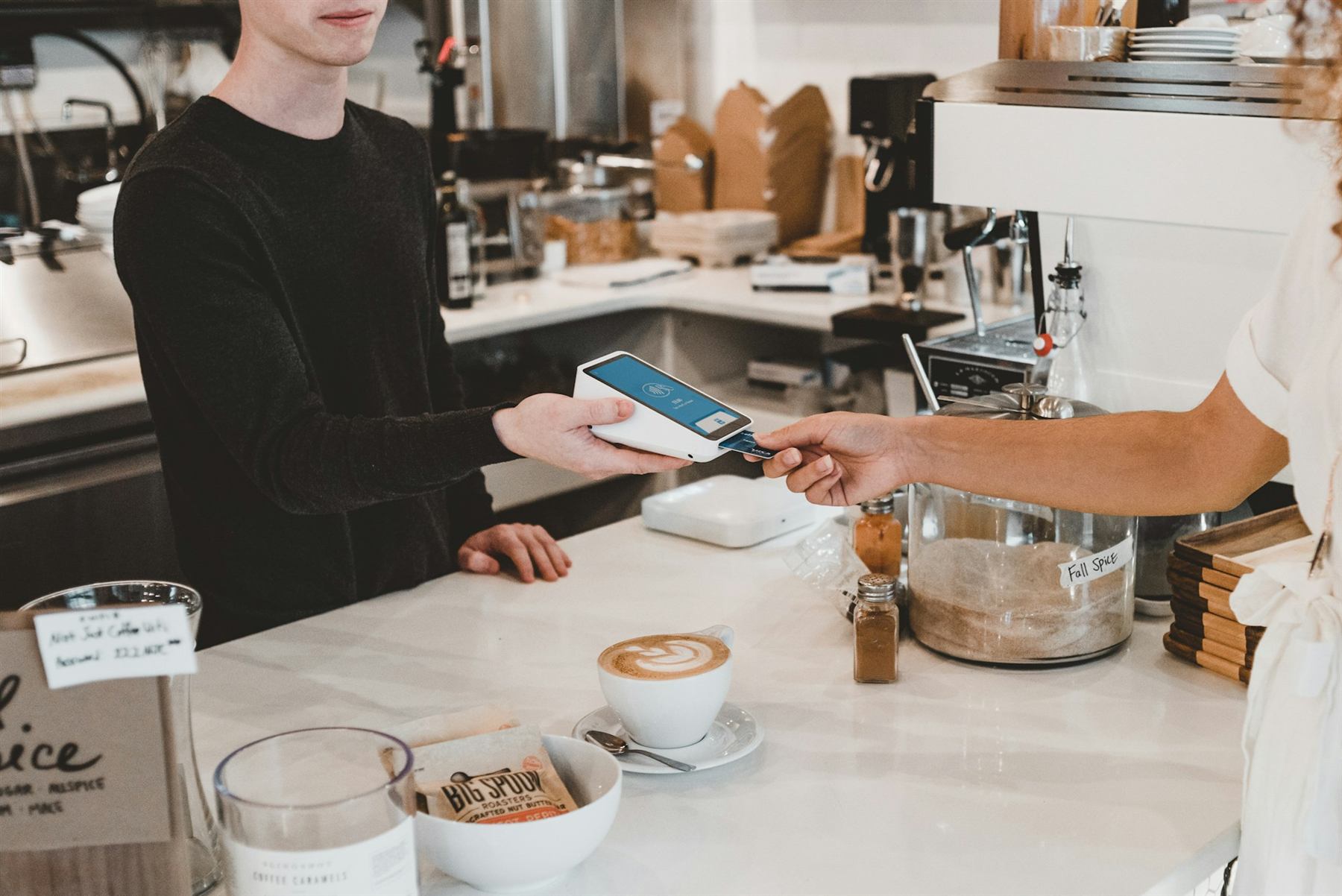
Your card has its own balance, so you decide what it can spend.
Your card spends from its own balance, not straight from your account. You move money onto it when you need to, and nothing more can be spent.
-
Top up from the linked accountConfirm each top-up with your transaction PIN. If a top-up fee applies, you see it before you confirm.
-
Move money back at no costSend any unused money on the card back to your account whenever you like.
You always see a card fee before you pay it.
Our prices can change from time to time, so the Cards page in online banking always shows the fees that apply to you today.
Issue fee
Shown for each level when you apply. It is held while we review and comes straight back if we decline.
Top-ups
If a fee applies, the confirm screen shows it next to the amount, so you can decide before you go ahead.
Monthly fee
Where a monthly fee applies, it is shown before you apply and taken from the linked account.
Moving money back
Moving unused money from your card back to your account never costs anything.
You can apply for your card as soon as your account is open.
Open an account online, then choose the card you want from the Cards page in online banking.